How to Build a Second Brain with Screenshots (PKM Guide)
Transform your screenshot chaos into a personal knowledge system. Learn how to capture, organize, and retrieve information like a second brain using screenshots and AI.
Screenshots pile up. Finding them shouldn't be hard. SnapStash AI automatically organizes your screenshots and lets you search by just asking.
Free to download
No credit card required
I know I captured it somewhere
You took the screenshot because it was important. But when you actually need it? Nowhere to be found.
*Based on beta tester survey
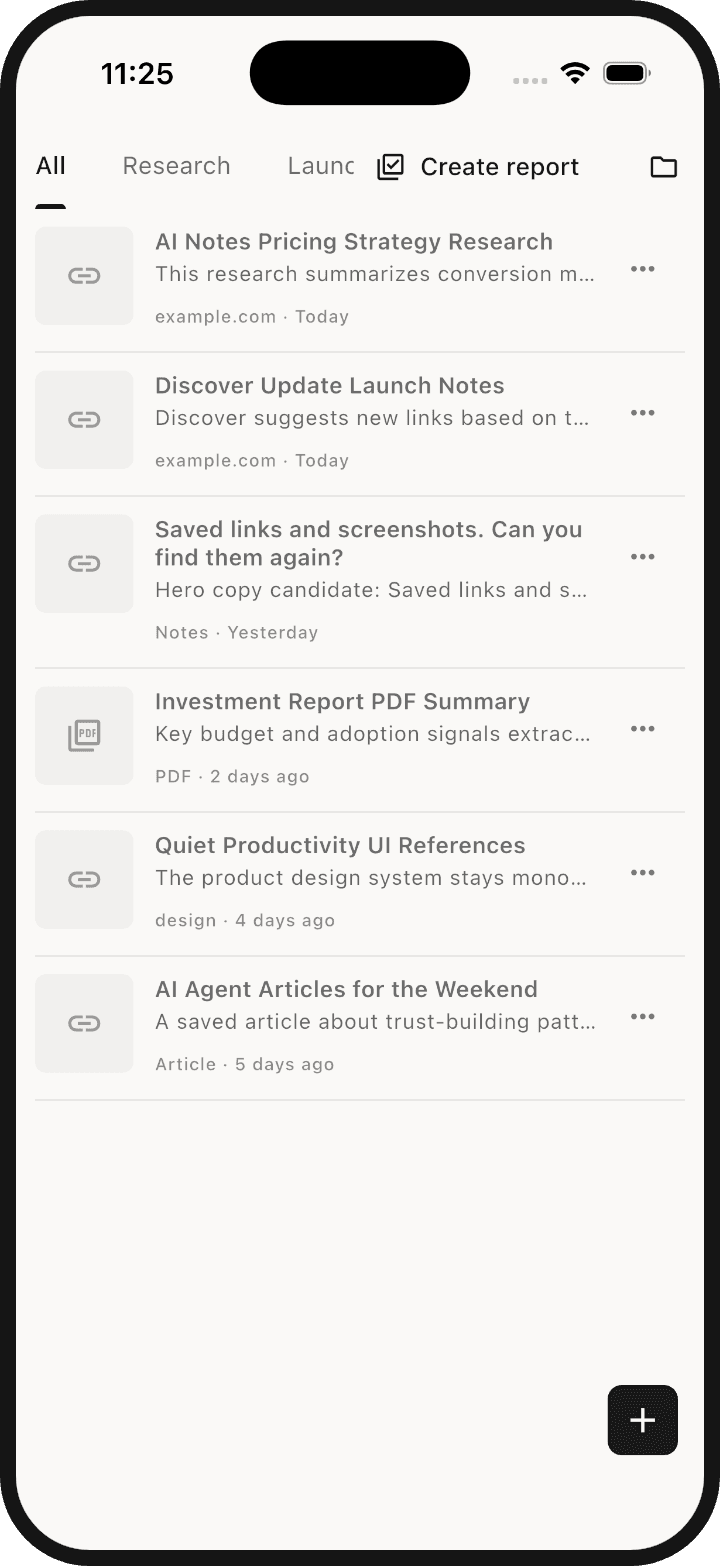
Every screenshot you take is a piece of your knowledge. Receipts, ideas, inspiration, code, conversations... all of it.
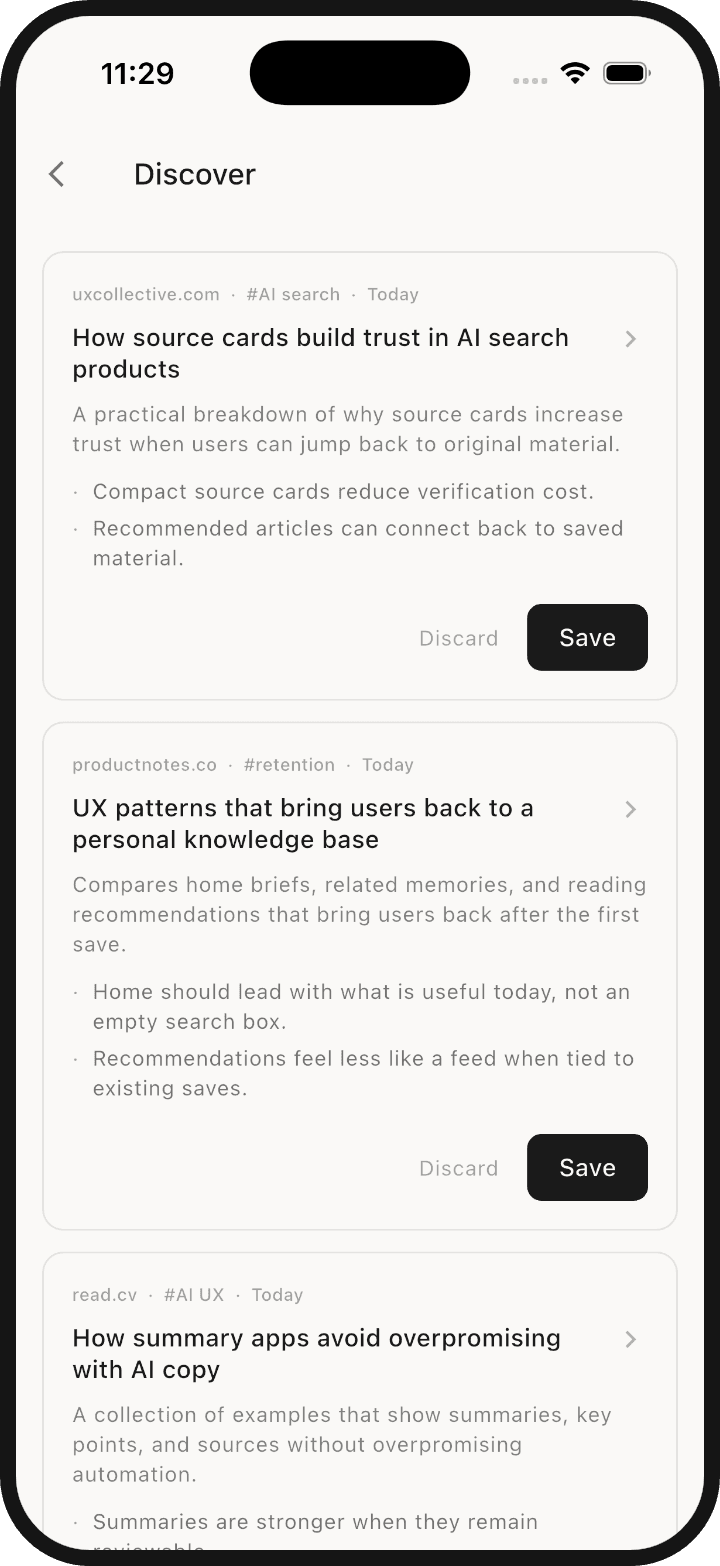
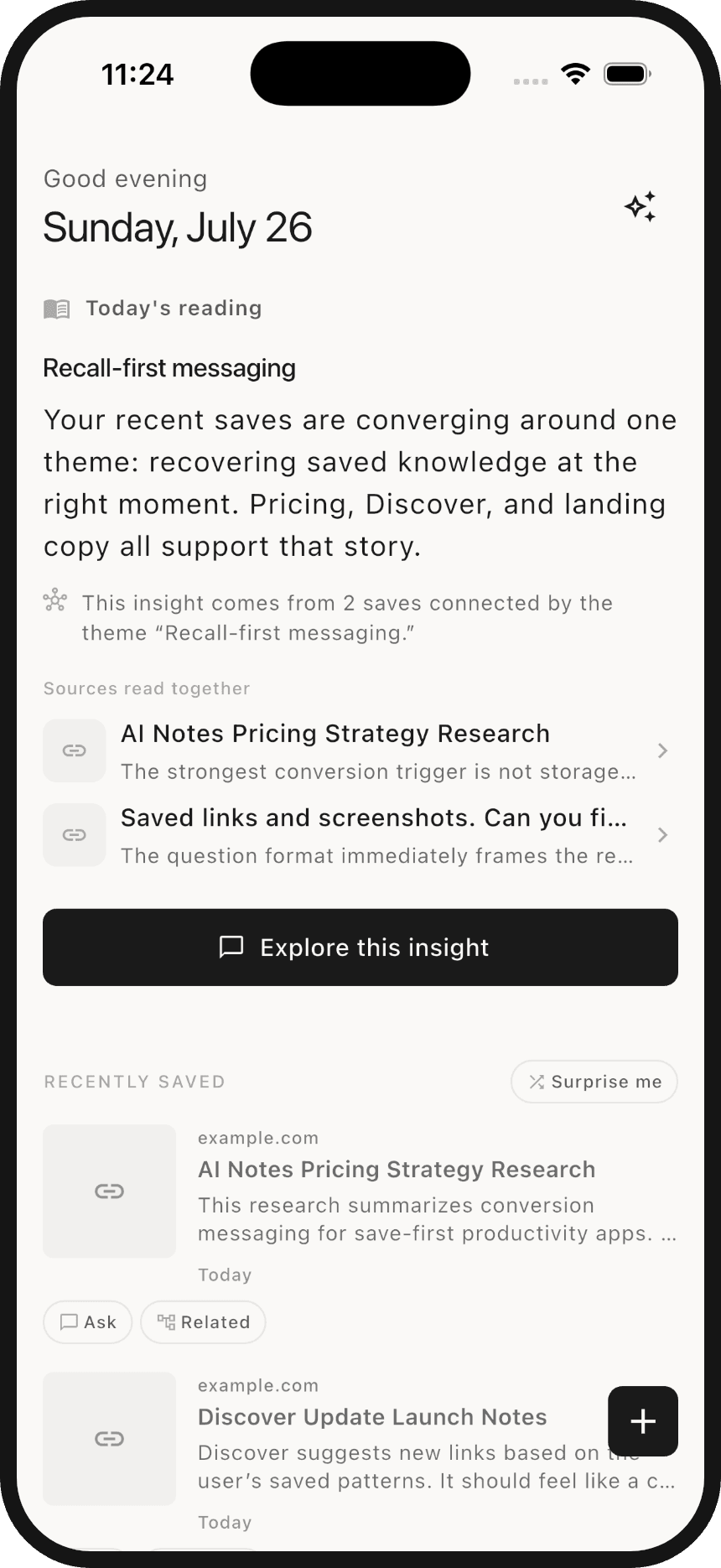
SnapStash connects those pieces together. Like a second brain, it remembers so you don't have to.
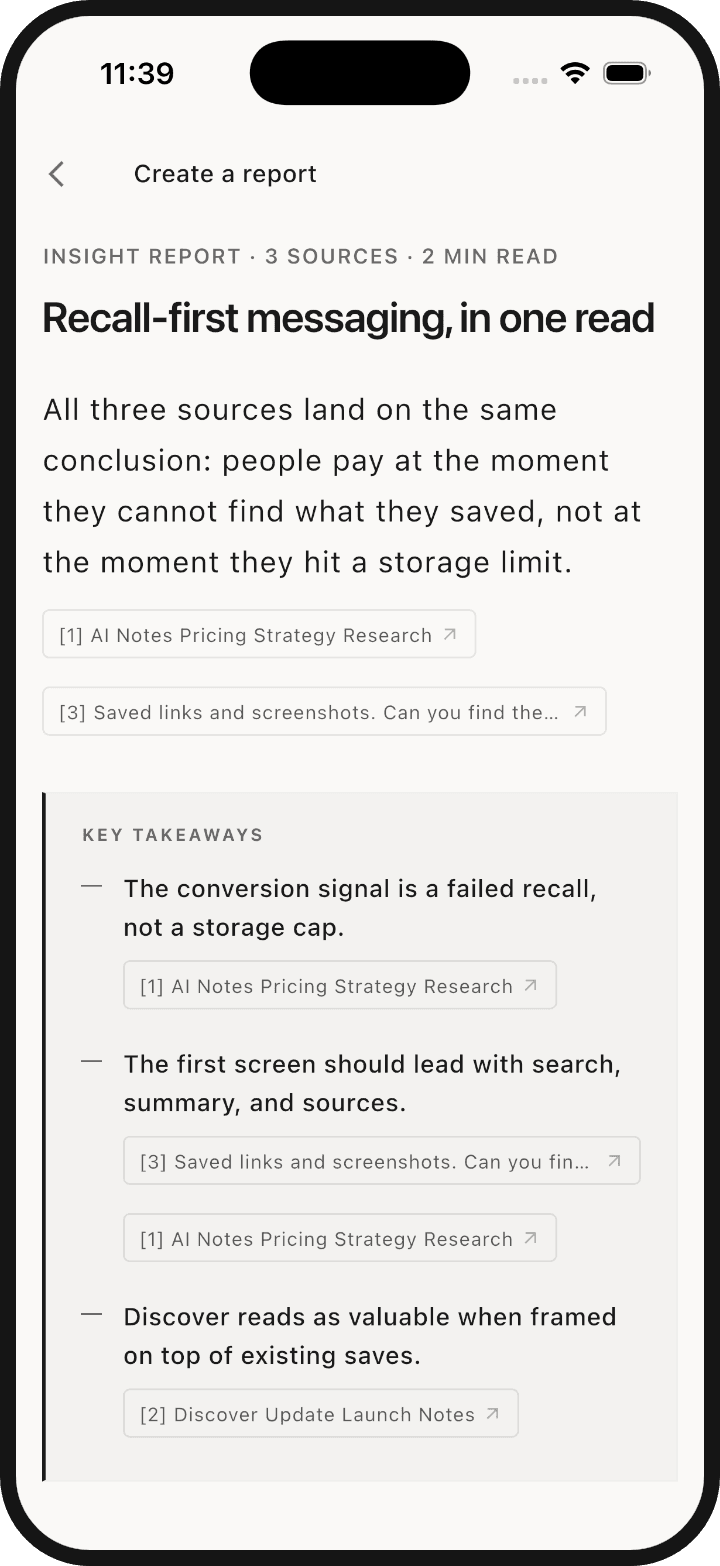
Reads, categorizes, and summarizes everything.
Groups similar content to build context.
Just ask, and it finds what you need.
Text, tables, code—AI reads and understands everything in your screenshots.
"Where's that pricing page from last month?" Just ask like that.
Capture on phone, find on tablet. Cloud keeps everything connected.
Just take screenshots like you always do. That's it.
Screenshot as usual. Nothing extra to do.
AI reads the text, categorizes it, and writes a summary.
"Where's that thing?" We'll find it and show you.
Everything you need to know about SnapStash AI.
SnapStash uses AI-powered OCR to read text in your screenshots, then automatically categorizes, tags, and summarizes the content for easy retrieval.
Yes, SnapStash stores your screenshots locally by default. Cloud backup is optional and only available with Pro+ subscription.
SnapStash supports 109 languages for OCR text extraction, making it suitable for users worldwide.
Yes, the free tier includes 20 screenshots per month with AI categorization, basic search, and chat with recent screenshots.
Honest reviews from early users.
Tips and insights on screenshot productivity.
Transform your screenshot chaos into a personal knowledge system. Learn how to capture, organize, and retrieve information like a second brain using screenshots and AI.
Learn how to find and delete duplicate screenshots on iPhone using built-in features and apps. Free up storage and organize your photo library in minutes.
Should you screenshot or type notes? Compare the pros and cons of screenshots vs note-taking apps for capturing and retrieving information effectively.
Download now and let AI handle your screenshots. Free to start, upgrade anytime.